Stop chasing paper receipts
Centralize and manage your expenses with company cards, spending controls, and approvals. Capture bills, sync with accounting and streamline customer reinvoicing.
Submit on the go
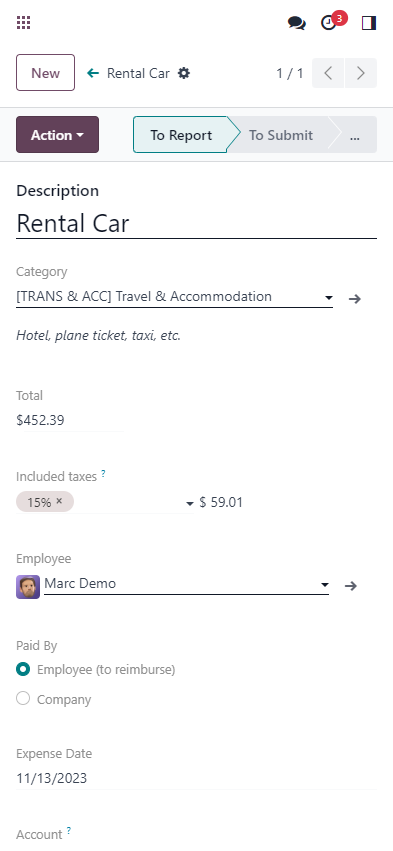
Submit expenses right from your phone! Whether emailing an expense or uploading a receipt using Odoo's mobile app, never forget to log an expense by submitting receipts on the go, as you collect them!
Less typing , more scanning
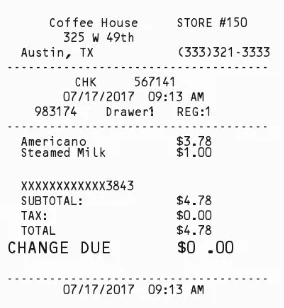
Harness the power of OCR. No more wasted time typing in each receipt detail. Odoo scans each receipt and creates an expense record with the total cost and date, so you don't have to.

Four ways to create records
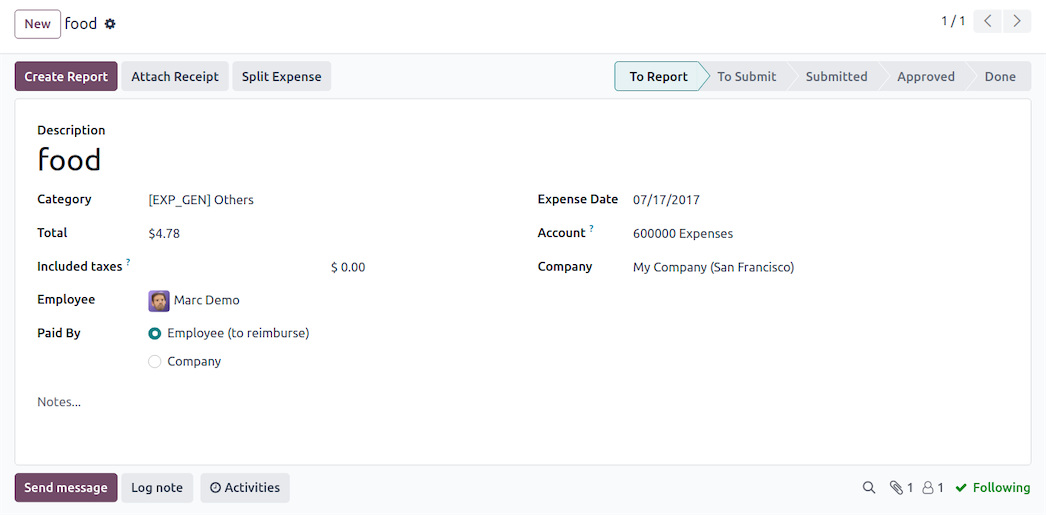
Email, scan, drag and drop, or manual. Add expenses by sending an email using expense codes, scan in a receipt, drag and drop a receipt into the Expenses app dashboard, or manually type in an expense - from your phone or computer!




Every expense, one report
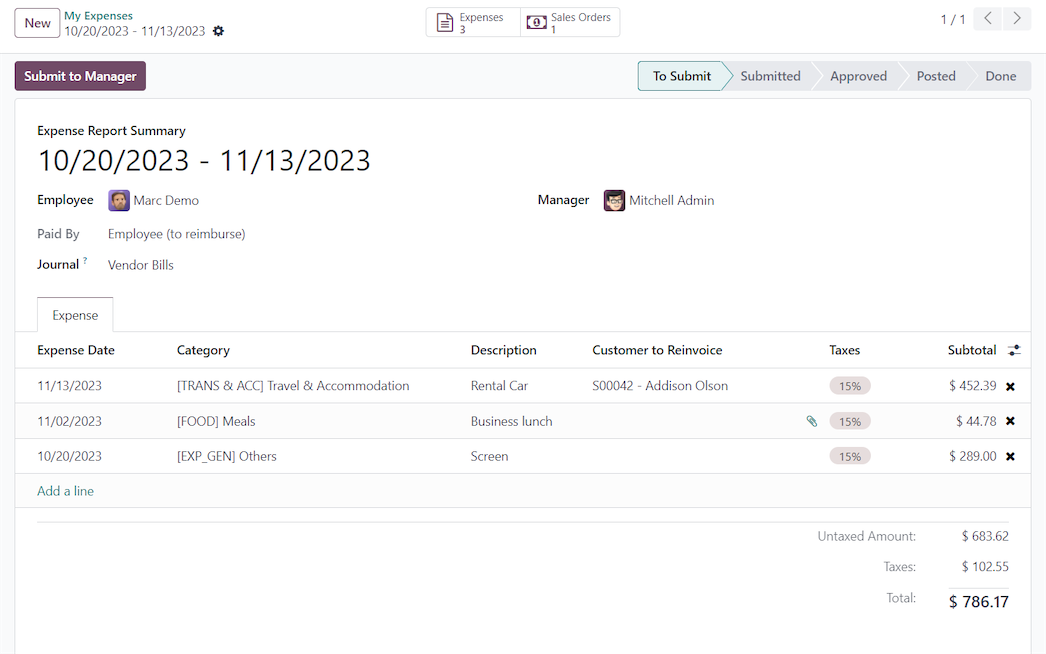
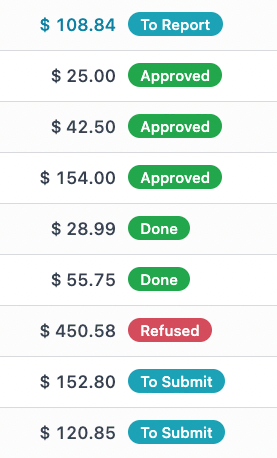
Stop submitting each individual expense. Place all expenses on one expense report with a click. Submitting a single report is easier for everyone; from the employees submitting expenses, the managers approving expense reports, and the accountants posting payments.
Reimburse or reinvoice in a flash
Who should really be paid? Some expenses should be paid for by the client, and others by the business. Specify expenses that should be reimbursed to the employee or reinvoiced to a customer.
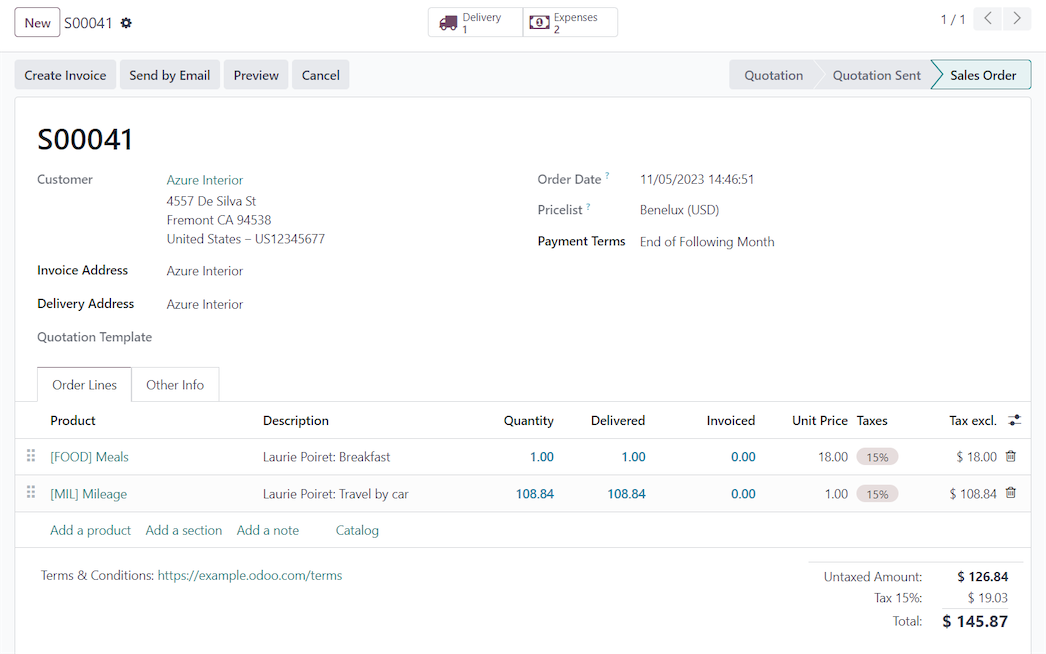
Sales orders are automatically updated once expenses to reinvoice are approved. Employees are reimbursed with just a few clicks, no need to go into the accounting app!
Ready, set, expense!
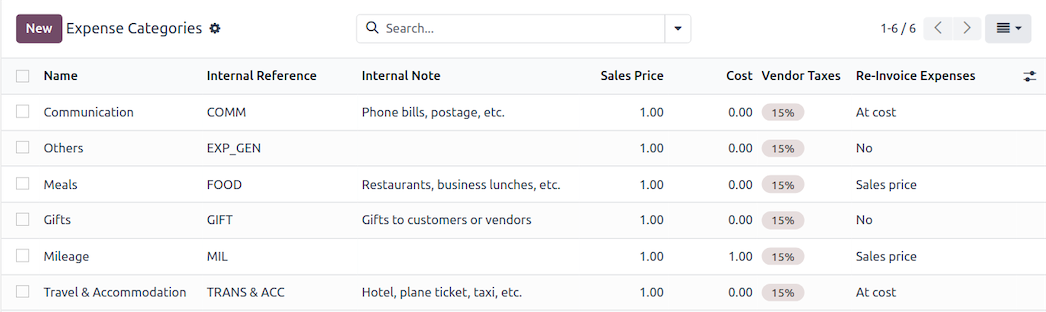
Expense categories are pre-configured! When the Expenses app is installed, a set of pre-loaded expense categories are available so you can start creating expense records right away.
Robust reporting
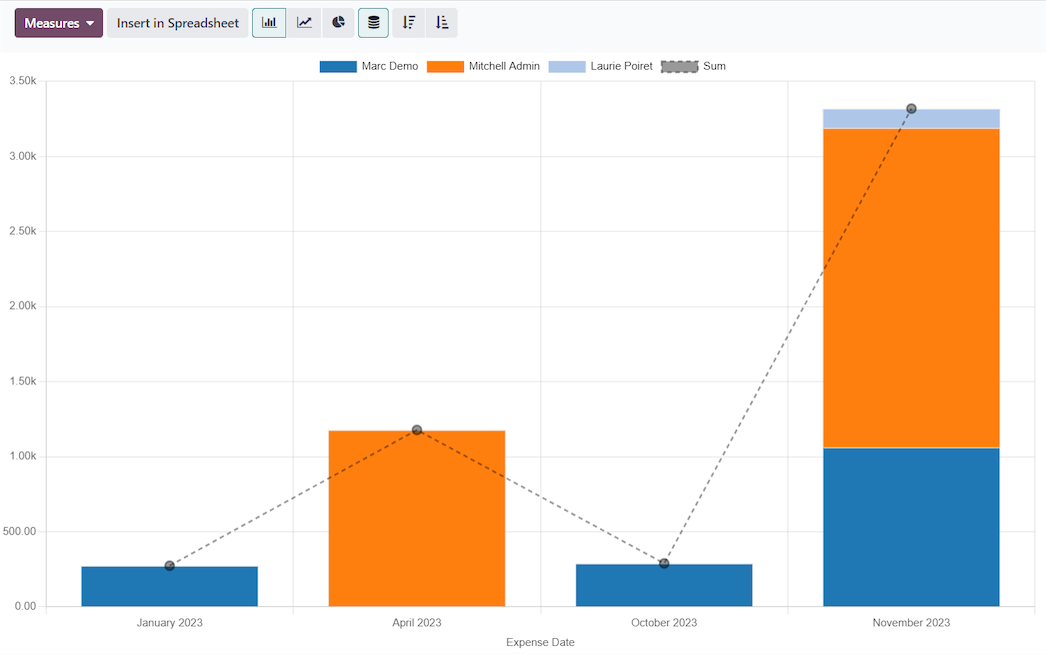
See the data you want! Visualize expenses with customized reports to show exactly the information you need. See expenses by employee, category, dates, and more. Create reports with multiple filters and/or groupings, and favorite them for easy access.



All the features done right .
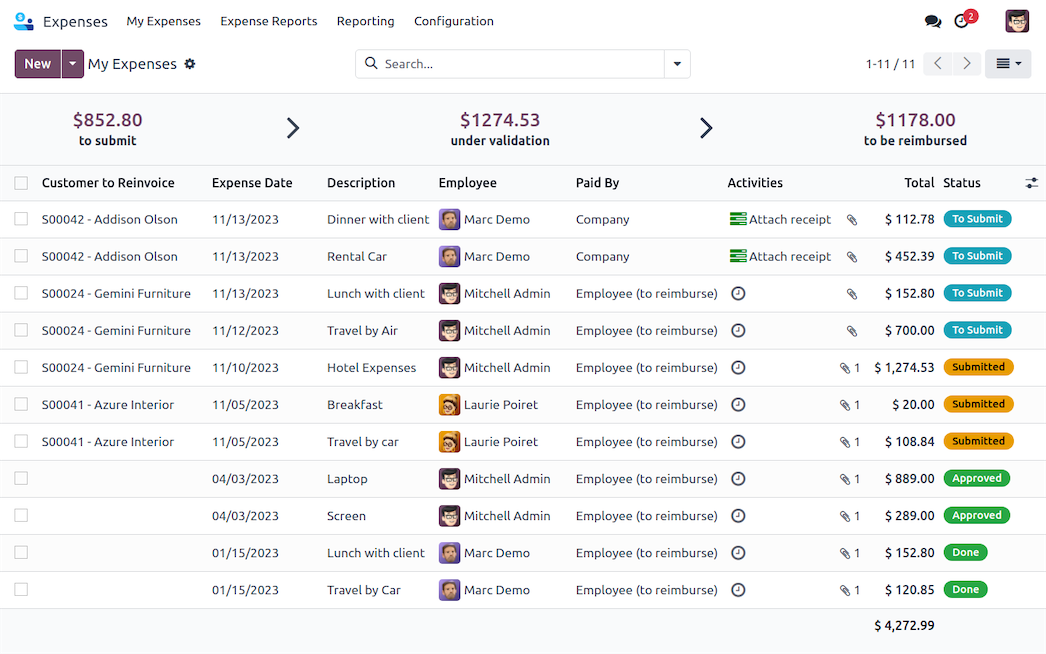
Clearly see all expenses, reports, and statuses in the dashboard view.
Email, scan, drag and drop a receipt, or input expense information manually, from a desktop computer or the mobile app!
With accounting and sales integration, approved expenses are reflected in preset accounting journals, and reinvoiced items are automatically added to sales orders in real time.

Set up Expenses with BHI
Certified Odoo reseller. Installation, training, automation.